Admin Guide
Content Studio
Carousel, campaigns, and avatars.
Carousel
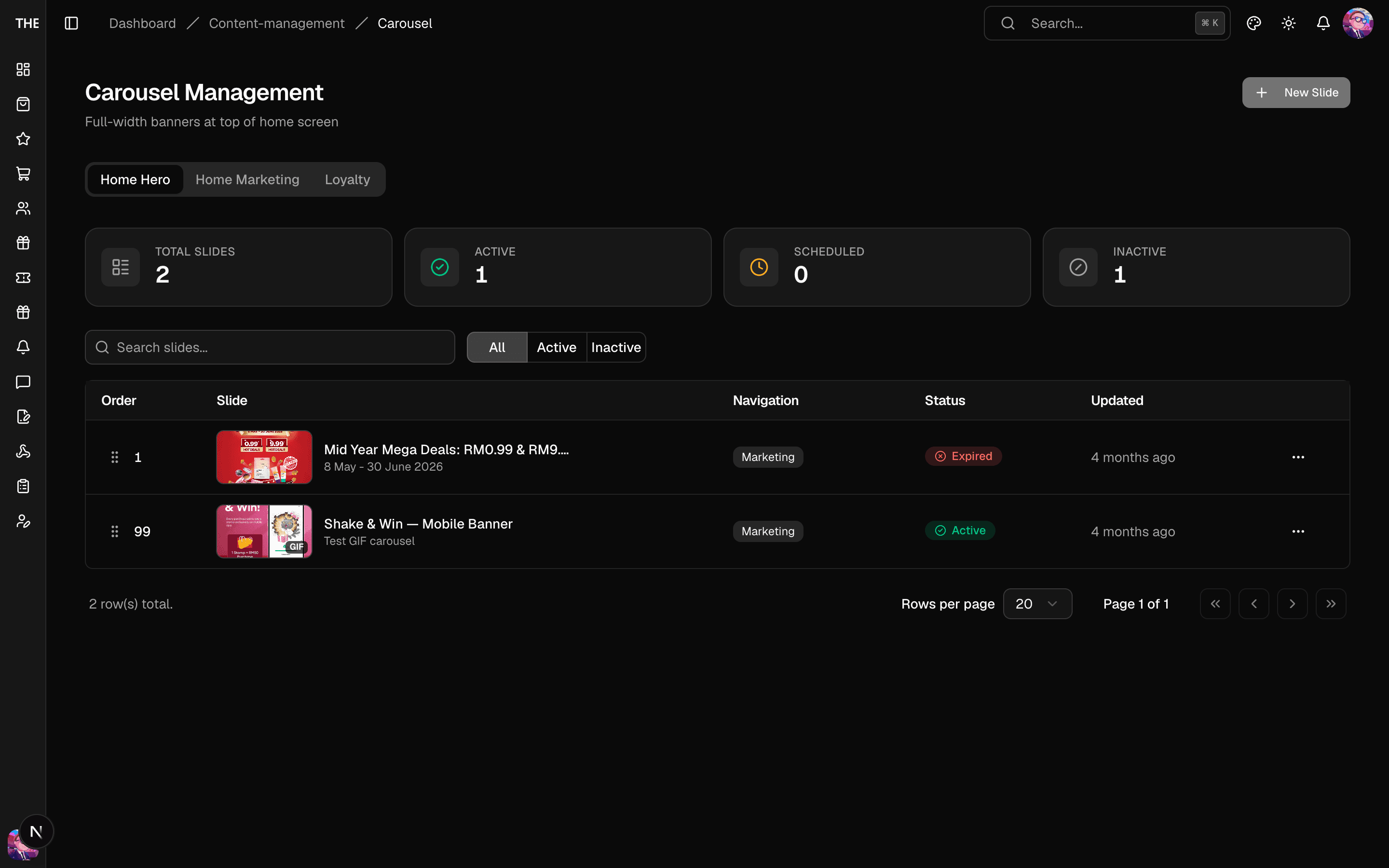
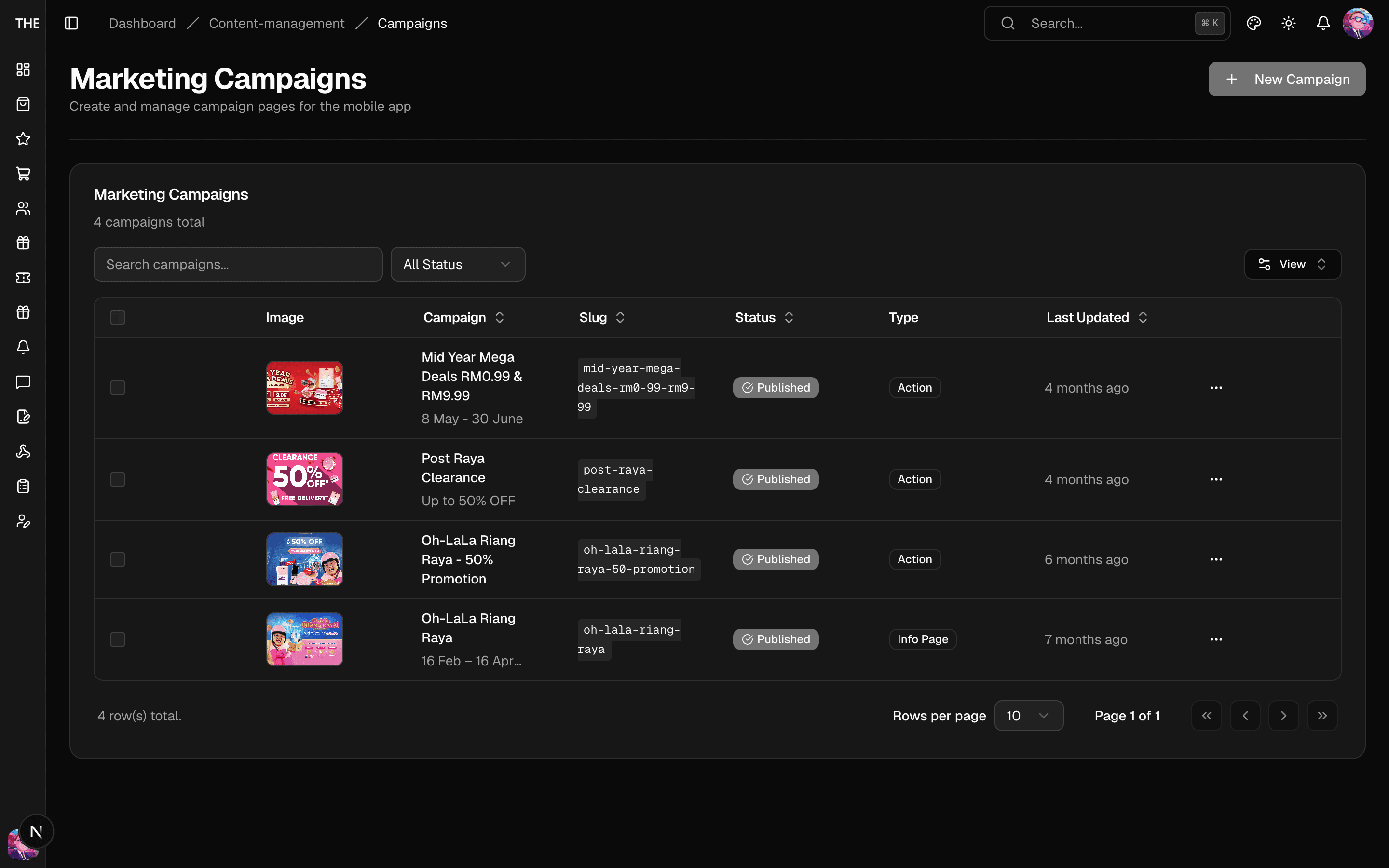
Home-screen slides per placement (hero, marketing, loyalty):
- Filter by placement from the tabs. Each slide has Basics (title, image/video), Navigation, Action (link to a product, group, or URL via the picker), and Display settings. Every slide shows to every customer, because tier targeting went away with loyalty tiers.
- Images/video upload to R2 with per-type size limits (image 1 MB, GIF 10 MB, video 250 MB).
- Delete is permanent ⚠️; edits are live on save.
Campaigns
In-app marketing campaign pages: Details, Schedule, Settings, CTA, Content (rich text), Features, Benefits. Publish state controls visibility. Deleting ⚠️ removes the page.
Avatars
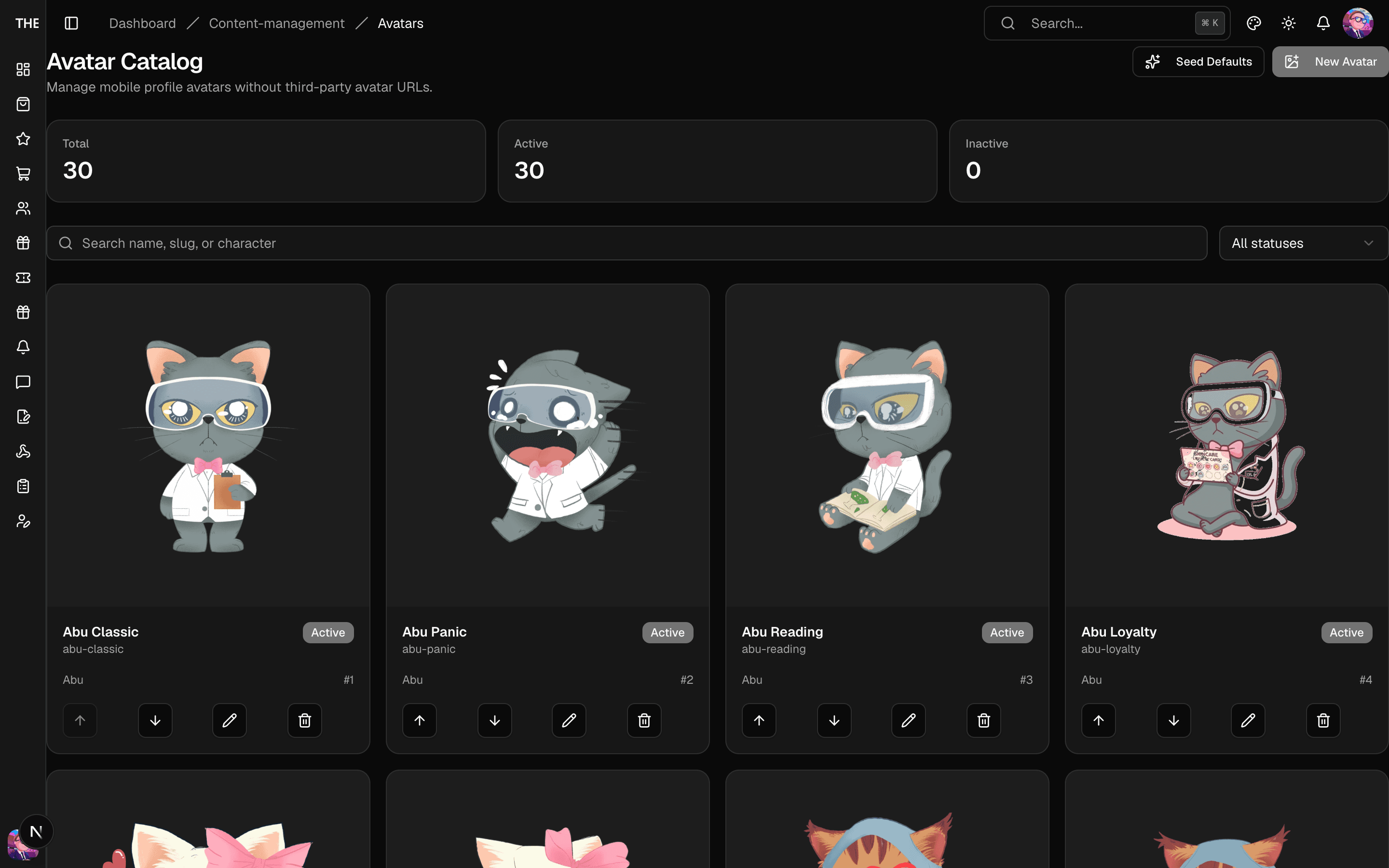
The managed avatar catalog customers pick from:
- Create/edit with image upload (5 MB cap), drag to reorder, delete ⚠️.
- Seed Defaults populates the standard set — use on a fresh deployment.