Admin Guide
Products
Overrides, groups, beauty tags, and syncing.
Products mirror the Shopify catalog (the projectR publication). The dashboard never creates products — create them in Shopify, then sync.
Workflow: customize a product for the app
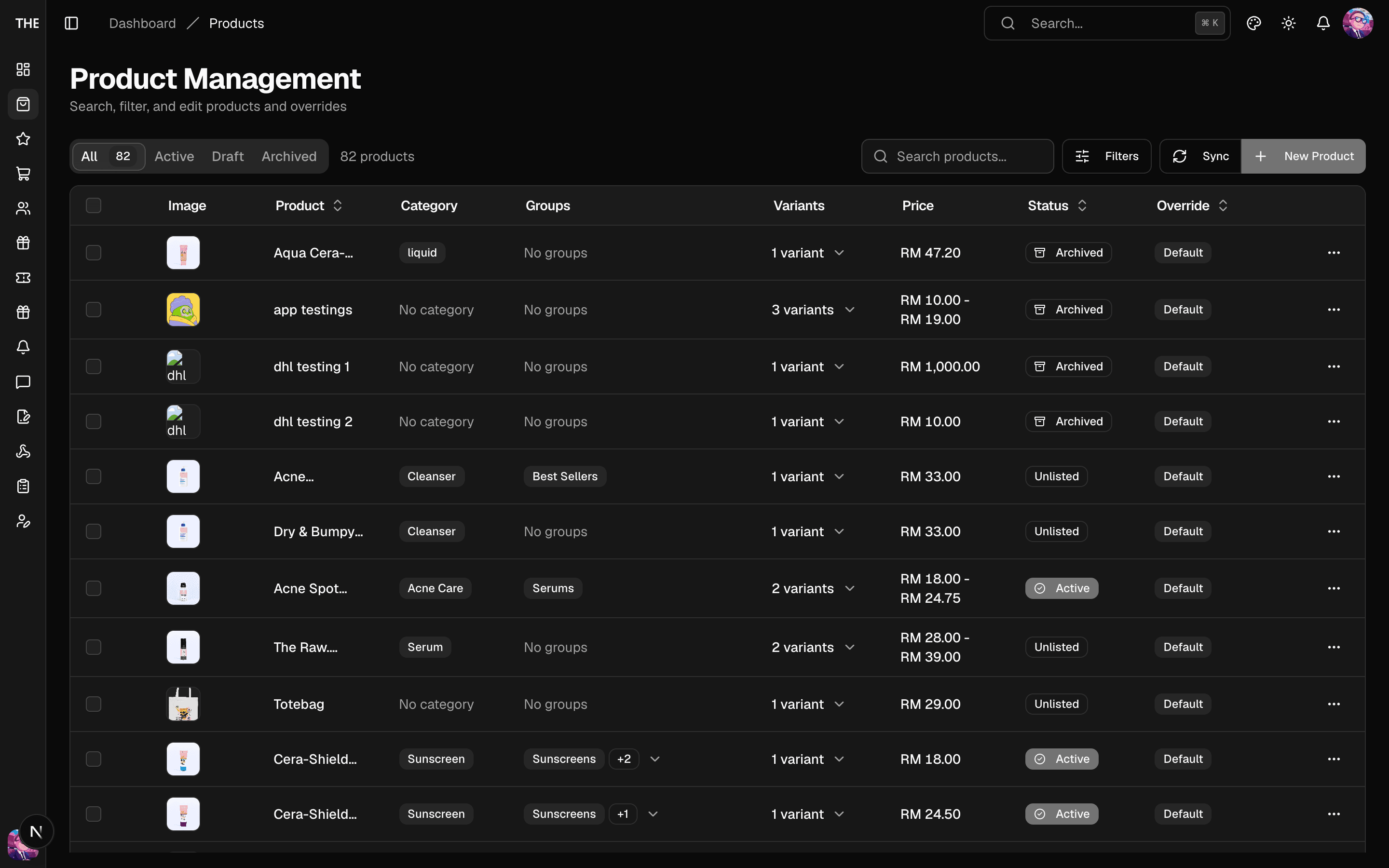
- Products → (product): the detail view has tabs — Overview, Variants, Override, Groups, Beauty tags.
- Override tab: set a badge label, featured flag, and marketing overrides. Save stores them; Save & Publish also pushes the override live. Deleting an override reverts to Shopify defaults.
- Beauty tags tab: mark AM/PM routine suitability, priority, display order — these power the routine recommender.
- Featured/badge can also be set in bulk from the product list (select rows → bulk actions).
Workflow: curate a product group
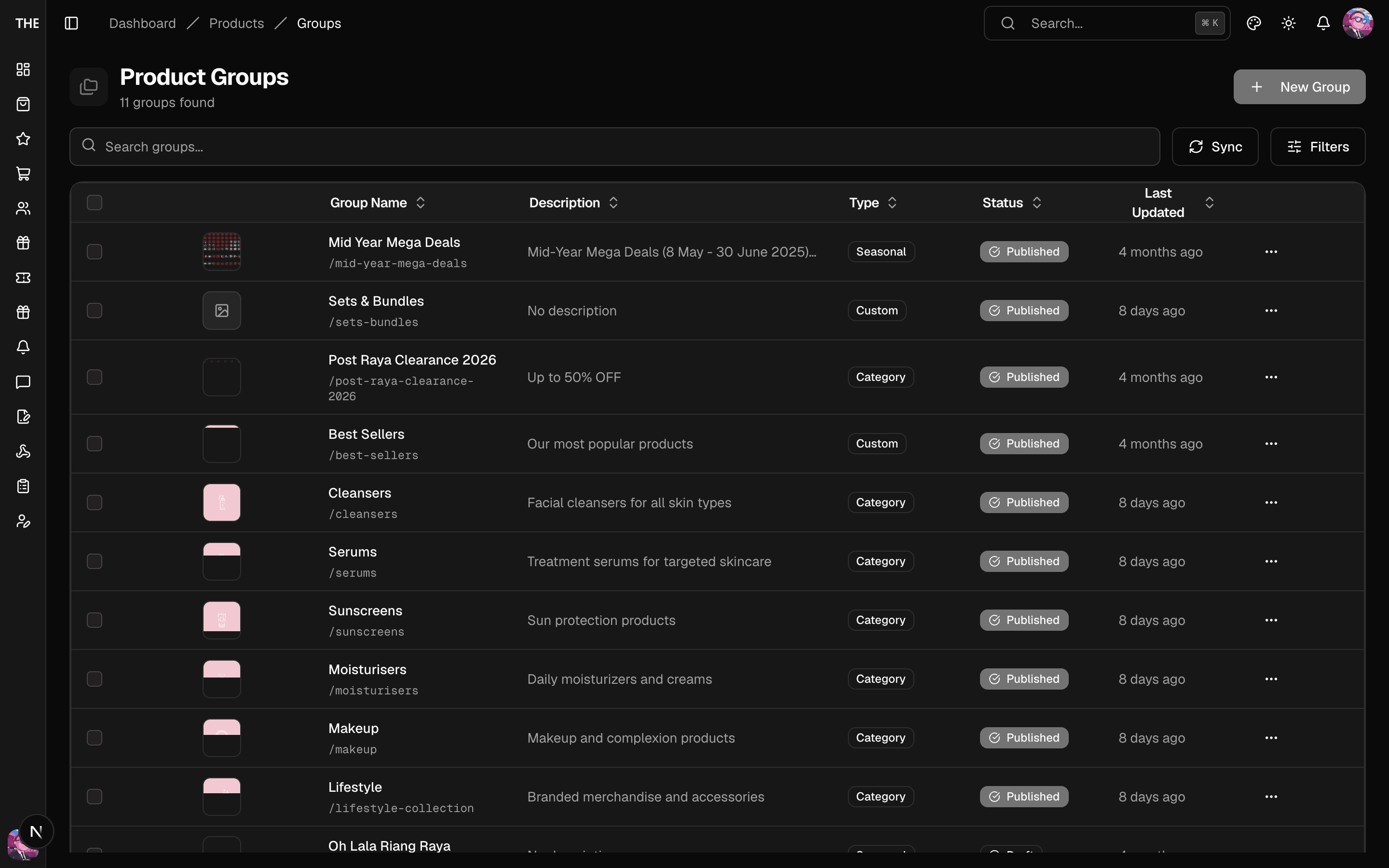
- Products → Groups → New: name, type, optional mirror of a Shopify collection handle.
- Group detail: Add Products (picker), drag to reorder, remove items. Publish/unpublish per group or in bulk.
- Groups mirroring a Shopify collection refresh their membership on every catalog sync.
Syncing
- Sync (list header) runs a full catalog reconciliation against the publication — new/updated products come in, ineligible ones archive. Safe to run any time; it's the same job the nightly cron runs.
- Sync this product (detail view) refreshes one product — use after a Shopify edit you want live immediately.
- Taking a product out of the app = unpublish it from the
projectRpublication in Shopify (the sync archives it here). There are no local hide-flags.