Admin Guide
Vouchers
Templates, issuing, pools, and revocation.
Concepts
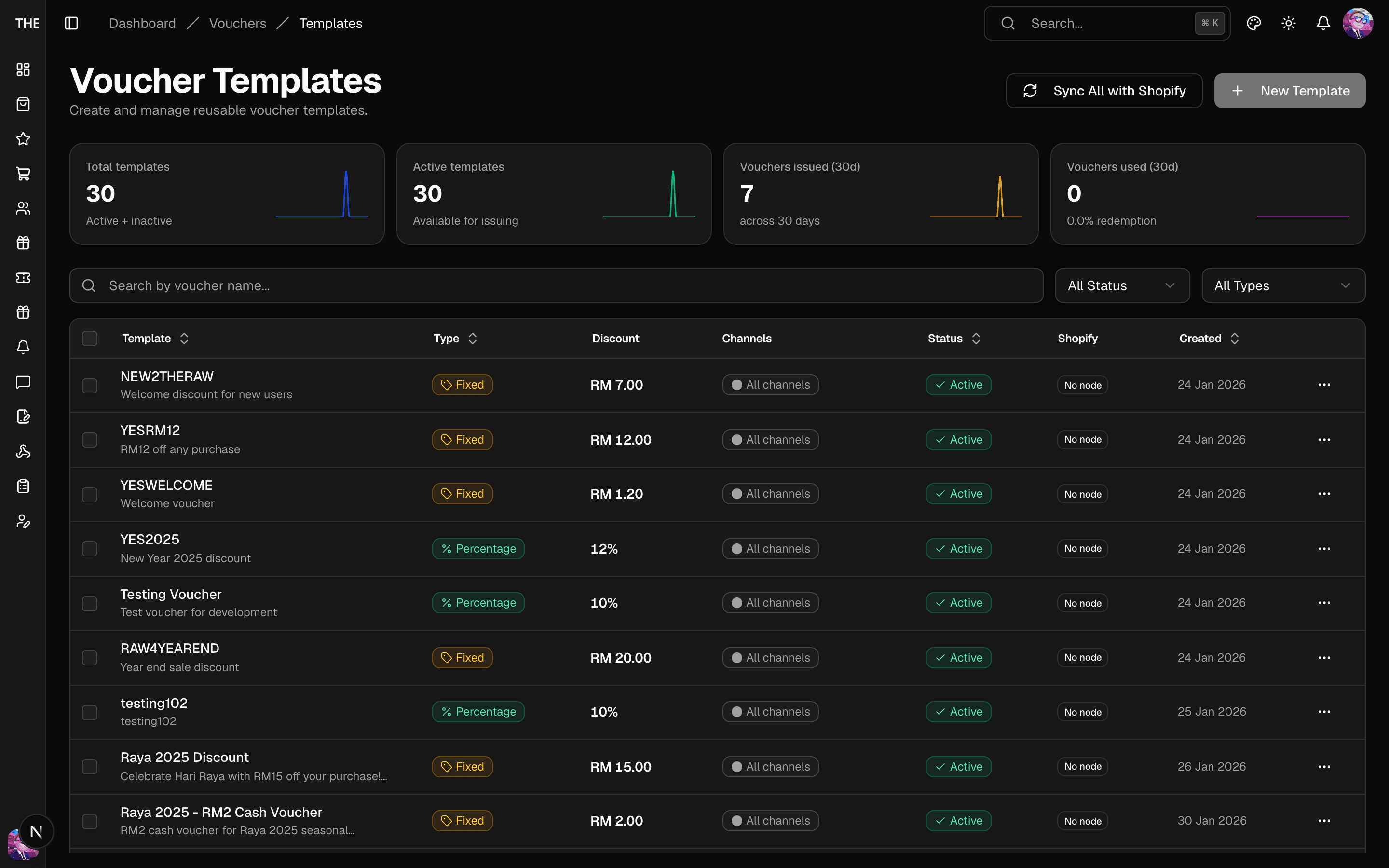
- Template — the discount definition (amount/type, targeting, validity, channel restrictions). Every template syncs to one Shopify discount node; every issued voucher hangs off it.
- Voucher — a real, per-user Shopify discount code with an in-app code. Issuing writes to the live Shopify store, even from staging.
Workflow: issue a voucher to a customer
- Vouchers → Templates: create or pick an active template (inactive templates don't appear in the issue form).
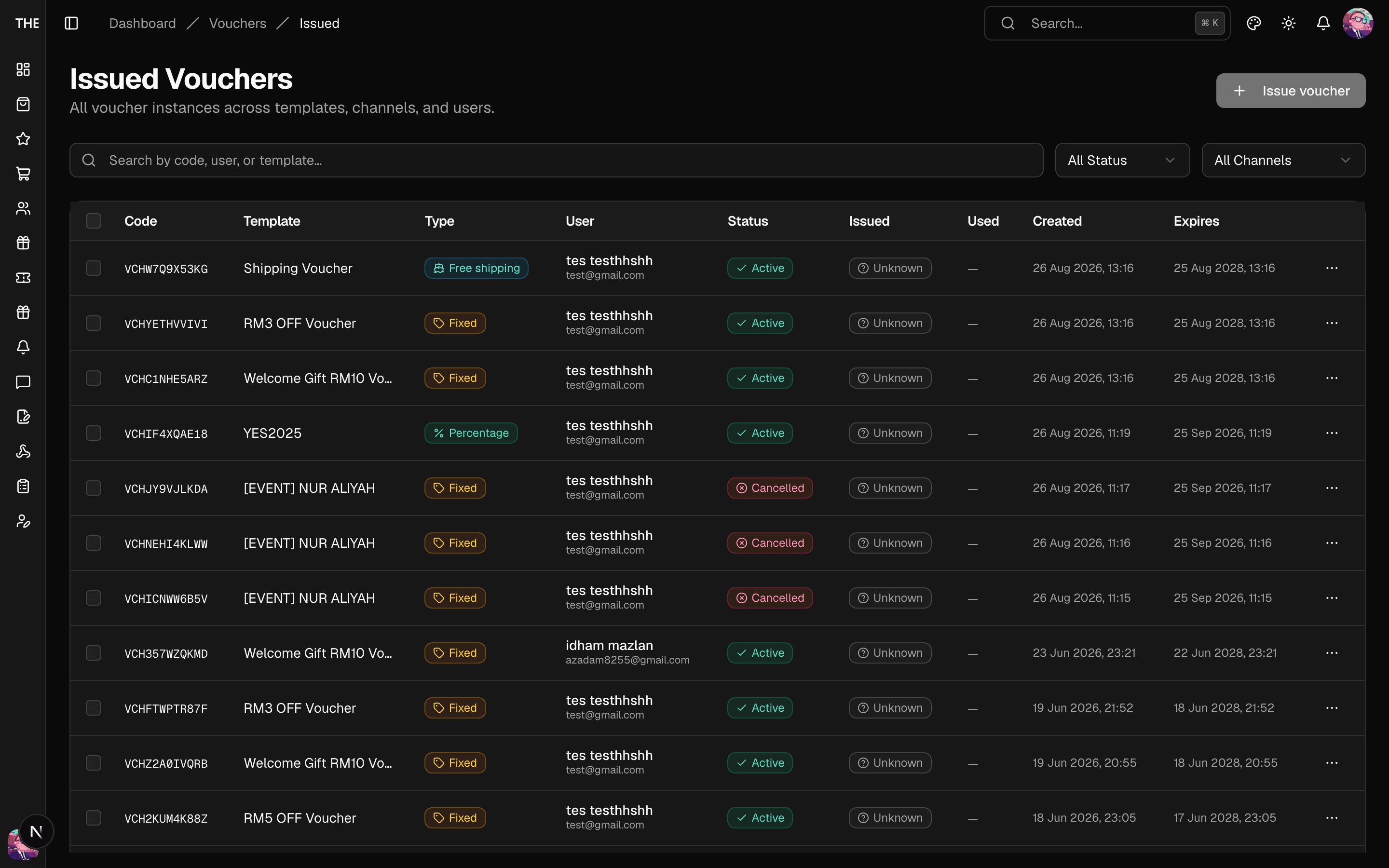
- Issue voucher (from the template row menu or the Issued page): pick Single or Bulk, select user(s), choose the channel, add a note.
- Submit. The code is created in Shopify and appears on the customer's account immediately; Shopify sync continues in the background.
Workflow: remediate an issued voucher
On Issued, open a voucher's detail sheet:
- Extend expiry — pick a new date; a lazily-expired voucher reactivates.
- Reissue — cancels the original and mints a copy with a fresh code (use when a code is compromised).
- Revoke — deactivates the code and removes it from Shopify. ⚠️ Customer loses access immediately.
Pools (claim codes)
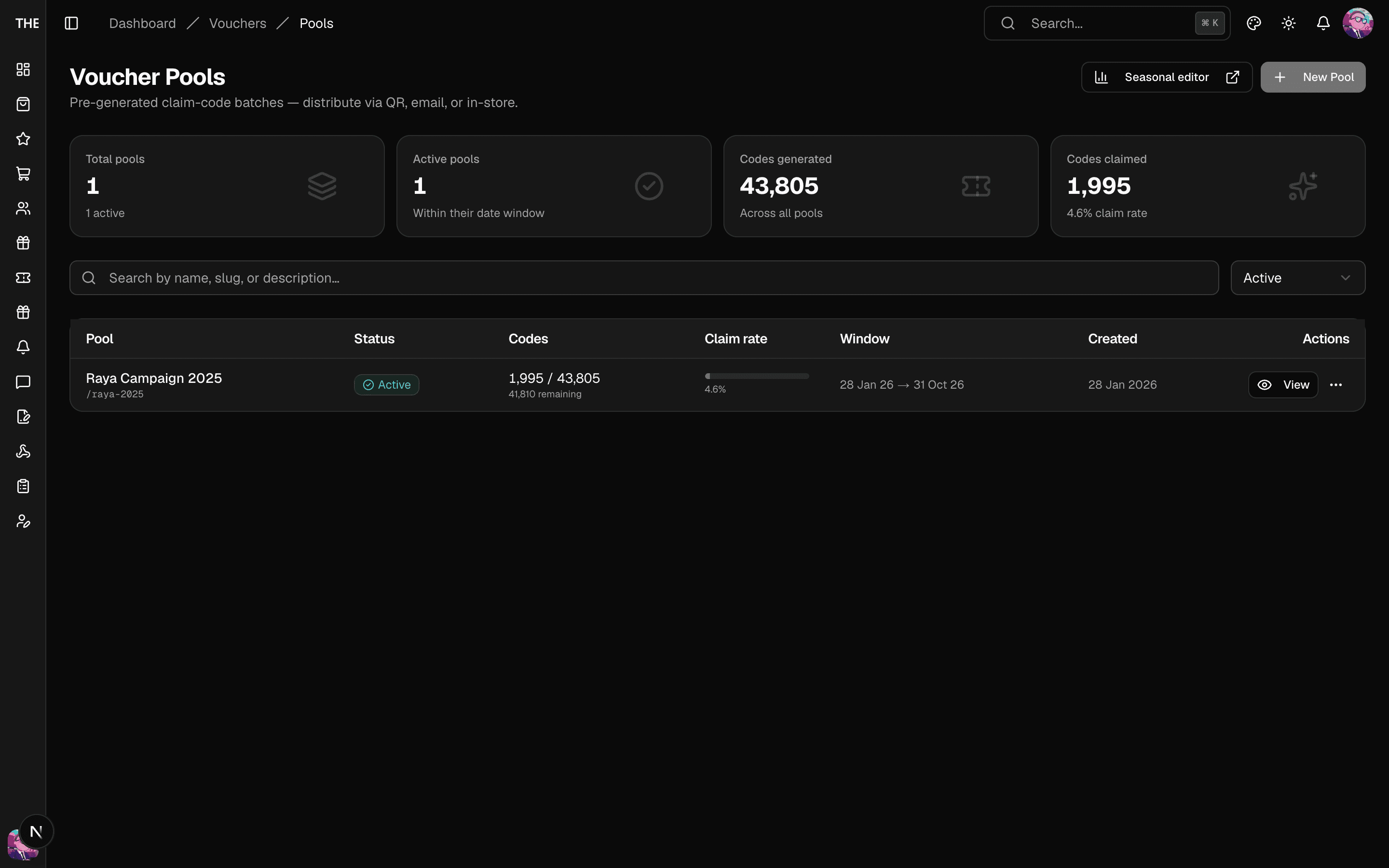
Pools are pre-generated batches of claimable codes (seasonal campaigns use this):
- Pools → Create Pool: name it, pick a template, set quantity (generated in 1,000-code batches).
- Export CSV/JSON for printing QR codes; each code's Shopify discount code is masked until claimed.
- Reset claimed code ⚠️ — deletes the customer's voucher and returns the code to the pool.
Rules of thumb
- Deleting a template is refused once any voucher was issued from it — deactivate instead.
- Redeem channels matter: a voucher restricted to the app can't be typed into the web storefront (mismatches are logged).
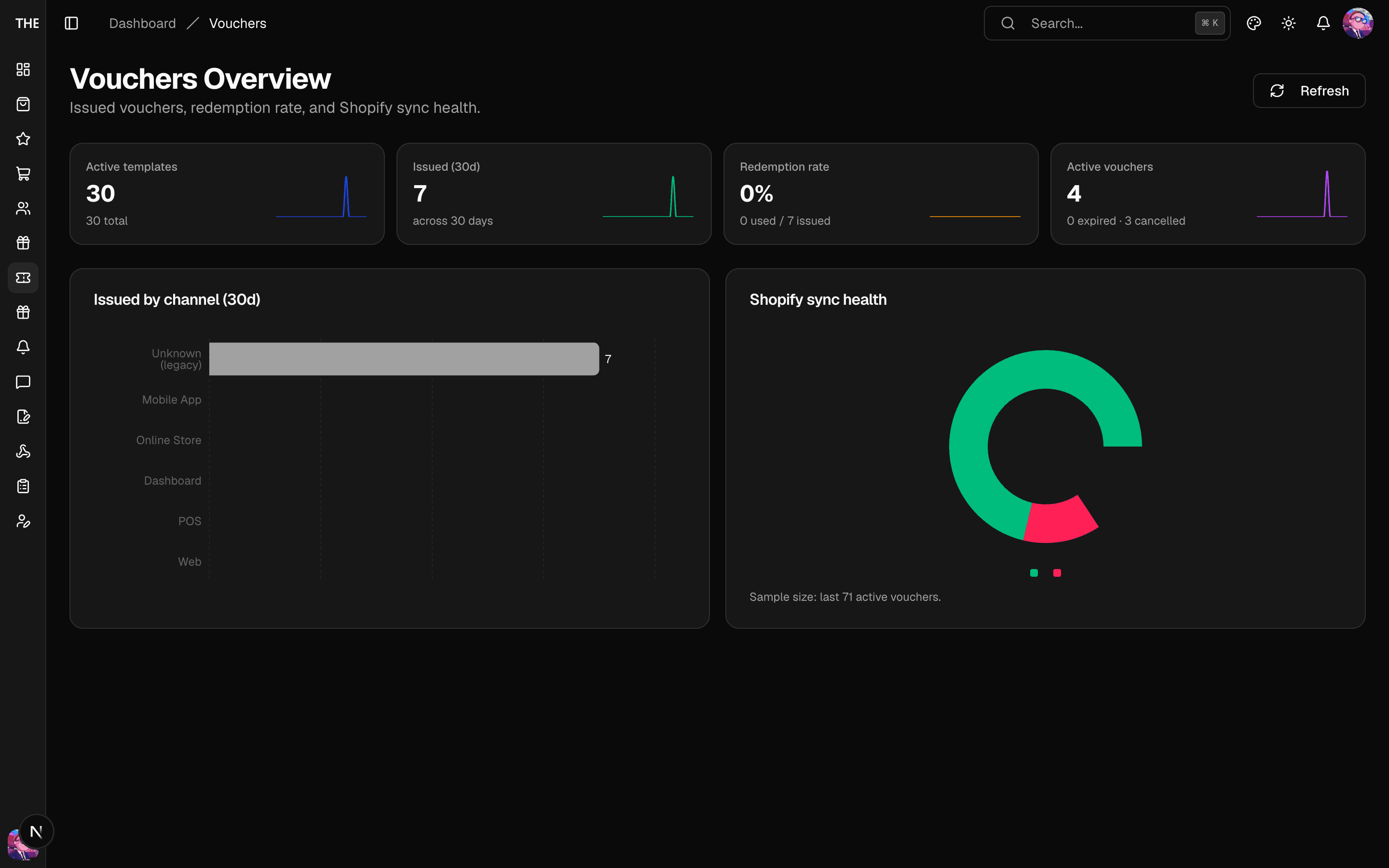
- The Shopify sync health card on the Vouchers overview shows codes that failed to sync; use "Sync to Shopify" from the templates bulk bar to retry.
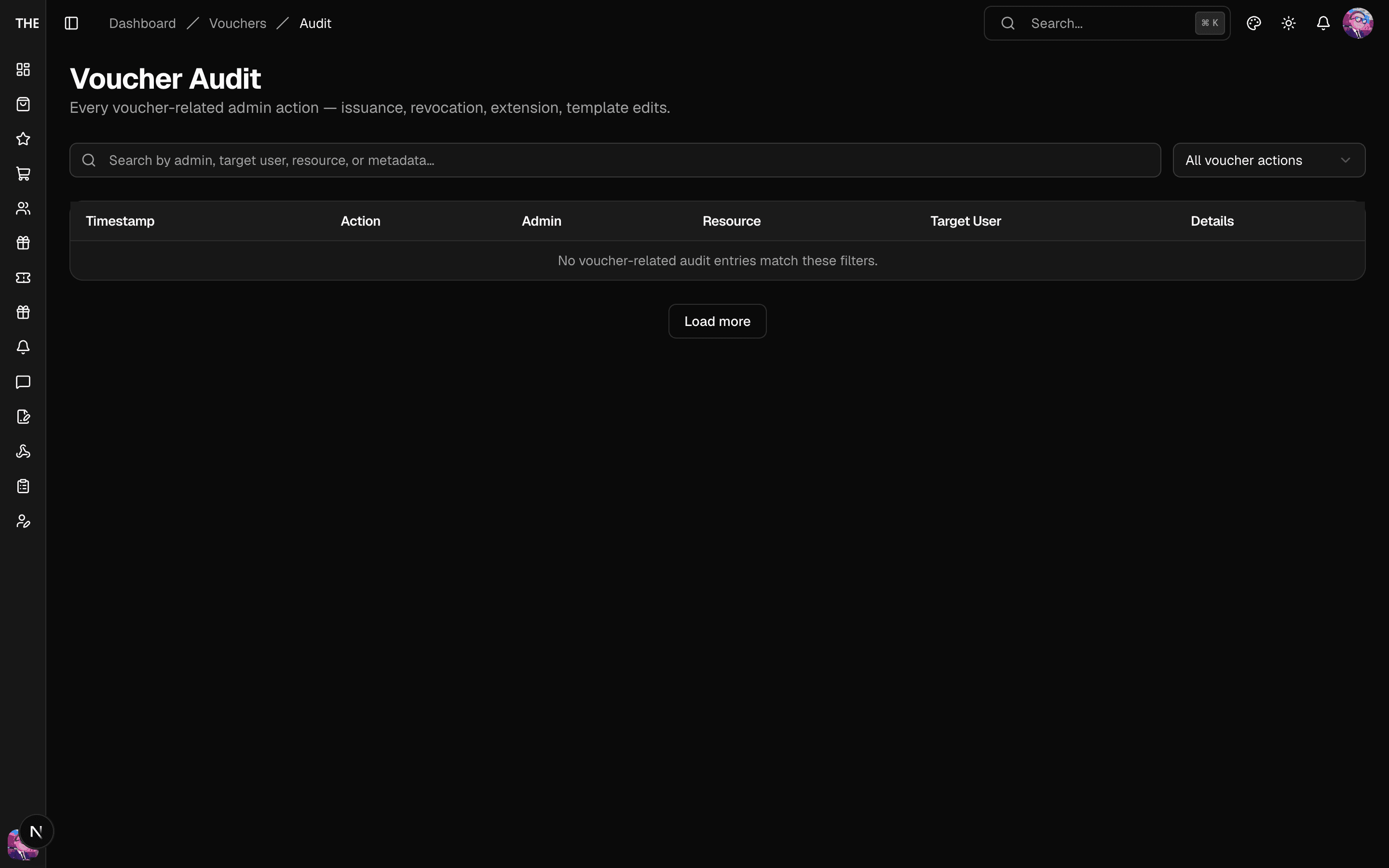
Voucher audit
The Audit tab lists voucher-related events (issuance, revocation, syncs) — the first place to look when reconciling a disputed voucher.