Orders
Monitoring Shopify orders, stamp outcomes, and checkout sessions.
Orders flow in automatically from Shopify webhooks. This area is monitoring + light correction.
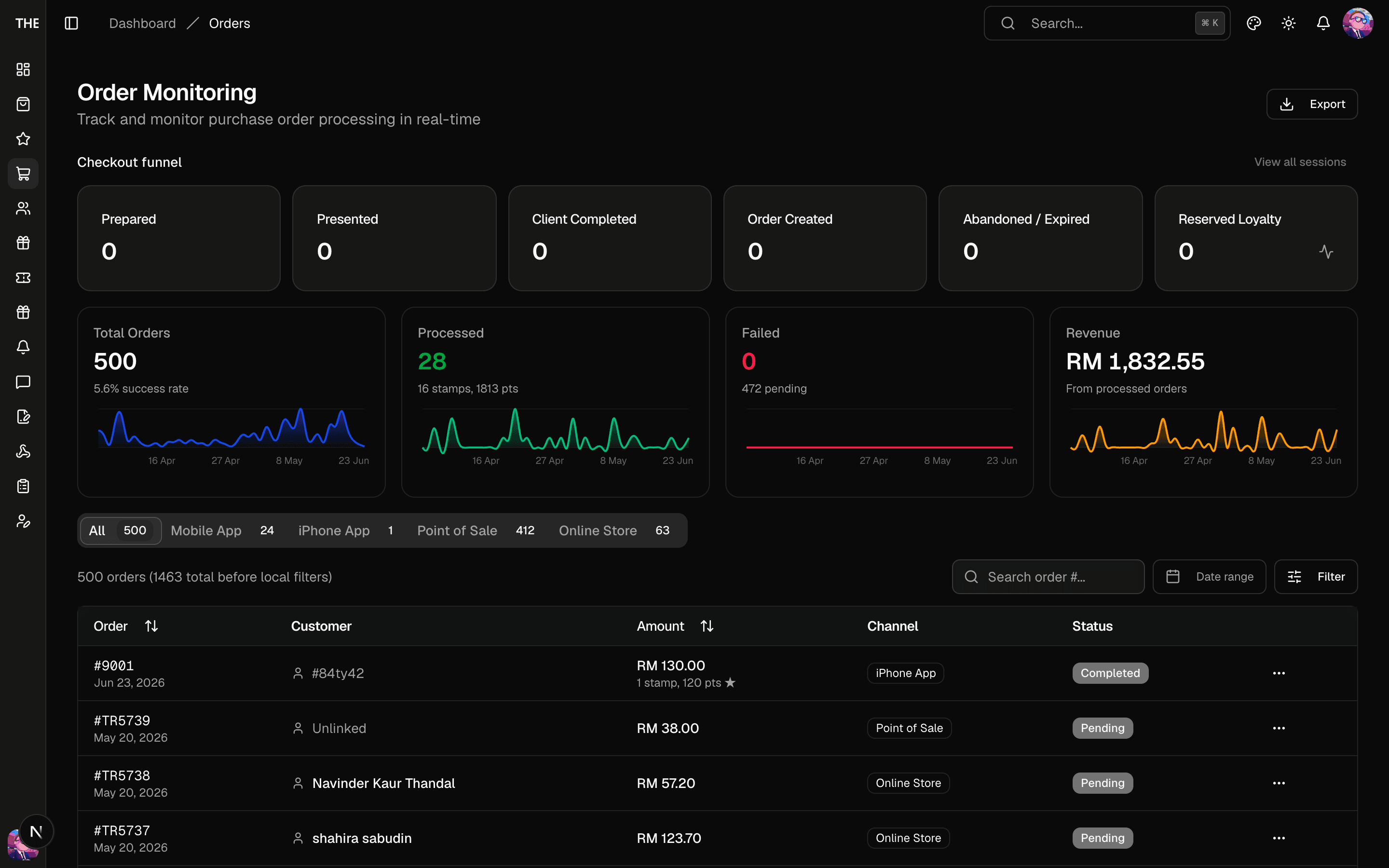
What the columns tell you
The Status column says whether the stamp workflow ran for the order. It reads pending, processing, completed, failed or skipped (the backend stores processed and the UI shows completed). Investigate failed rows first (see Troubleshooting).
The Stamps column shows the order's stamp outcome as a badge. It tells you whether the order earned stamps and, when it did not, why.
| Badge | What happened |
|---|---|
| N stamps | The order earned stamps. |
| Under min (RM X short) | The subtotal after vouchers fell short of every running campaign's minimum spend. |
| No app account | No app account matched the buyer's Shopify ID, or has verified the buyer's email or phone. |
| Awaiting payment | Shopify has not reported the order paid yet. COD orders sit here until payment. |
| Needs review | Staff awarded this customer stamps by hand after the order, or the order matched an account only through its shipping phone. The system left it for a person to decide. |
| No campaign | No stamp campaign was running when the order was processed. |
| Not awarded | A campaign qualified but refused the stamp, for example because it ended mid-run. |
| – | The order was processed before outcomes were recorded. |
Filter the list by outcome with the Stamp outcome select in the filter panel. Needs review and No app account are the two worth checking regularly. CSV export ignores the outcome filter and says so.
Order detail
Open an order for the customer card, Shopify metadata, tracking, and the Loyalty block. That block shows the stamps awarded, the card position, whether the position was special, and the outcome badge with one sentence explaining it.
Reprocess stamps (admin and up) runs the stamp rewards for this order again. Use it after fixing whatever blocked the stamp, such as a customer who signed up late or changed their email.
- If the buyer's Shopify ID now matches an app account, or an account has since verified the buyer's email or phone, the button links the order to that account first. An email or phone that only sits in a profile does not count. With no match, the order stays No app account and nothing runs.
- It refuses unpaid orders and orders whose rewards were reversed by a cancellation.
- Stamps the order already earned stay as they are. It never adds a second stamp for the same order and campaign.
- ⚠️ A new stamp that lands on a special position creates a real voucher code on the live Shopify store.
Financial/Fulfillment status edits ⚠️ change the ProjectR record only. They do not write back to Shopify. Marking a linked order paid here starts its stamp run, the same way Shopify's paid update would.
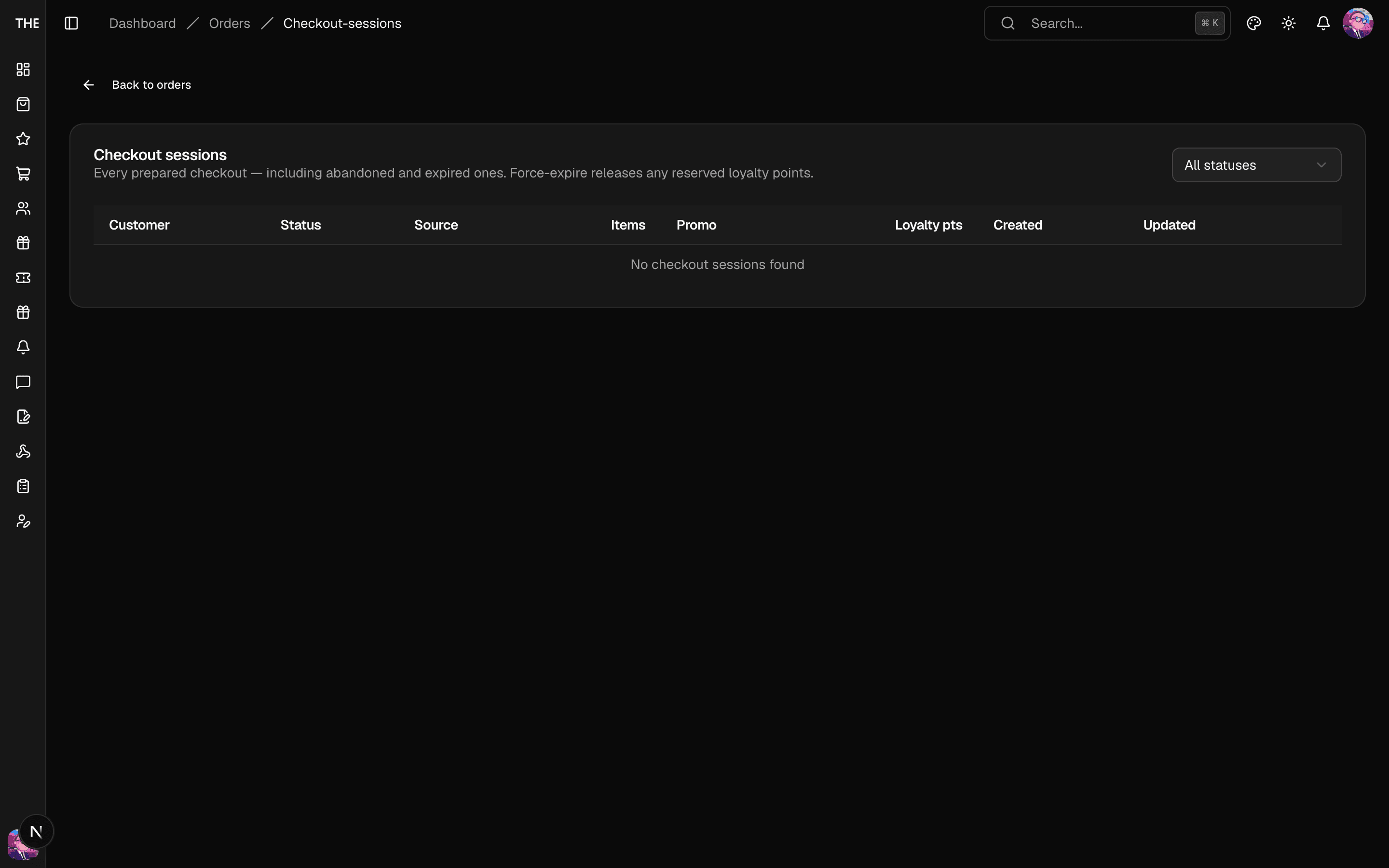
Checkout sessions
Shows the checkout funnel state machine (prepared → presented → completed → order created, or abandoned/expired). Force expire ⚠️ closes a stuck session. Sessions no longer hold loyalty points, so expiring one only removes it from the open funnel.
Export
Export CSV on the list page downloads the current filtered view — read-only, no side effects.