Admin Guide
Raya Campaigns
Seasonal QR claim-code campaigns.
Raya (seasonal) campaigns are physical QR claim codes: print them, customers scan them in the app, and each claim issues a real voucher from a pre-generated Shopify pool.
Workflow
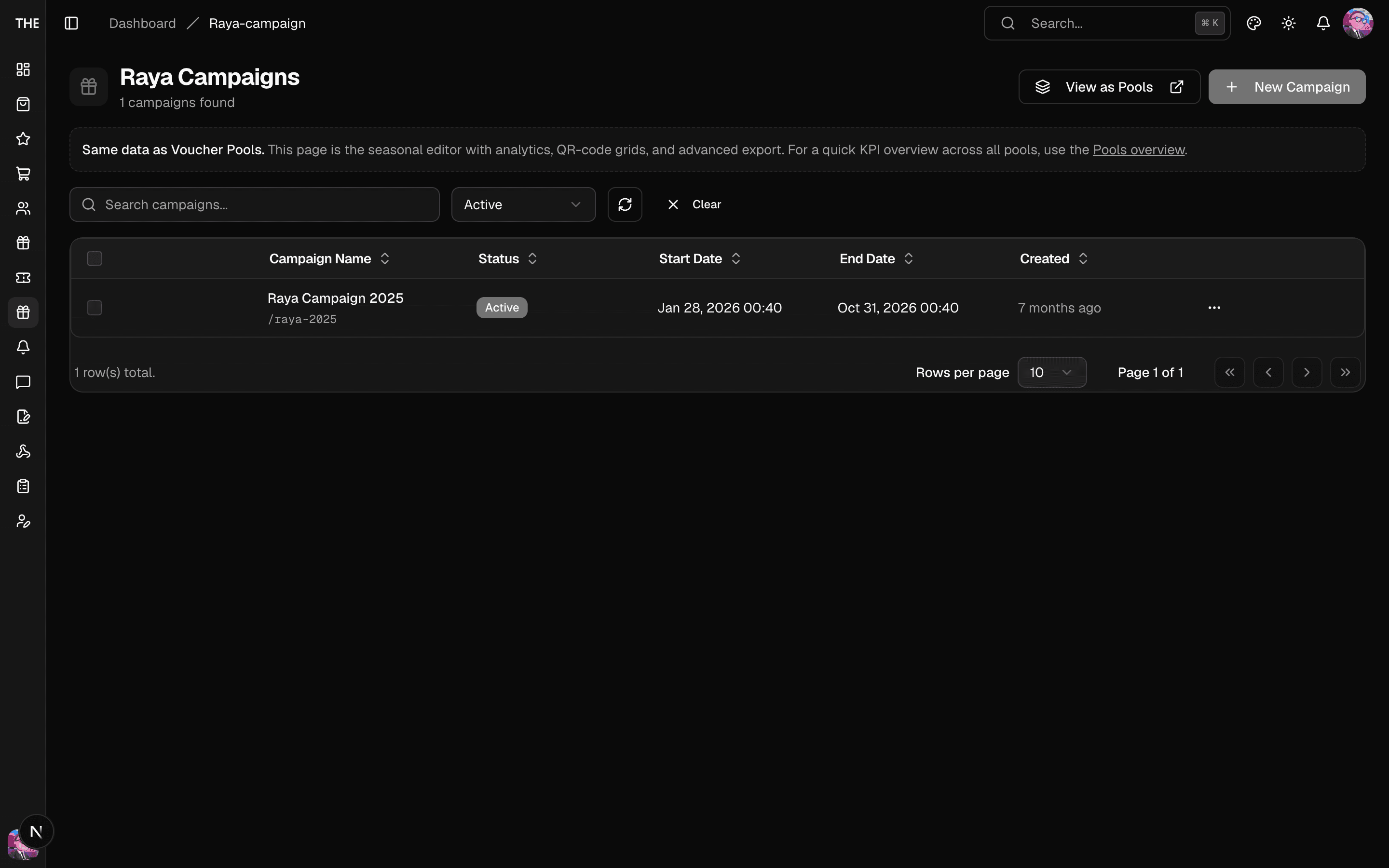
- Vouchers → Seasonal Editor (Raya) → New: name, slug (auto-generated — keep it unless you have a reason), dates, active flag.
- Generate Codes (campaign detail): pick the voucher template, set quantity (max 1,000 per batch). Generation is a background job — watch it on the Codes page (jobs show progress; a job only "fails" if every code failed).
- Export Data → CSV filtered to unclaimed codes — this is your print sheet. Each row's Shopify code is masked (
****last4) until the code is claimed; claimed codes export claimed state only. - Customers scan (
tipeer.app/claim/<code>) → the app claims it → voucher issued instantly. - Analytics shows claim trends and rates.
Rules of thumb
- Codes can only be claimed if their Shopify pool code was pre-assigned — if claims fail with "no codes available", the generation job's Shopify sync didn't finish; check the pool stats before reprinting.
- Reset claimed code ⚠️ deletes the customer's voucher and returns the code to the pool — support-issue only.
- Campaign deletion ⚠️ is soft by default; hard-delete also removes unclaimed codes (claimed codes are kept for the audit trail). Never hard-delete a live campaign.
- Quantity ceiling is 100,000 codes per campaign — the form will refuse beyond the quota before creating a job.