Overview & Roles
What each role can do, and a map of the dashboard.
The dashboard map
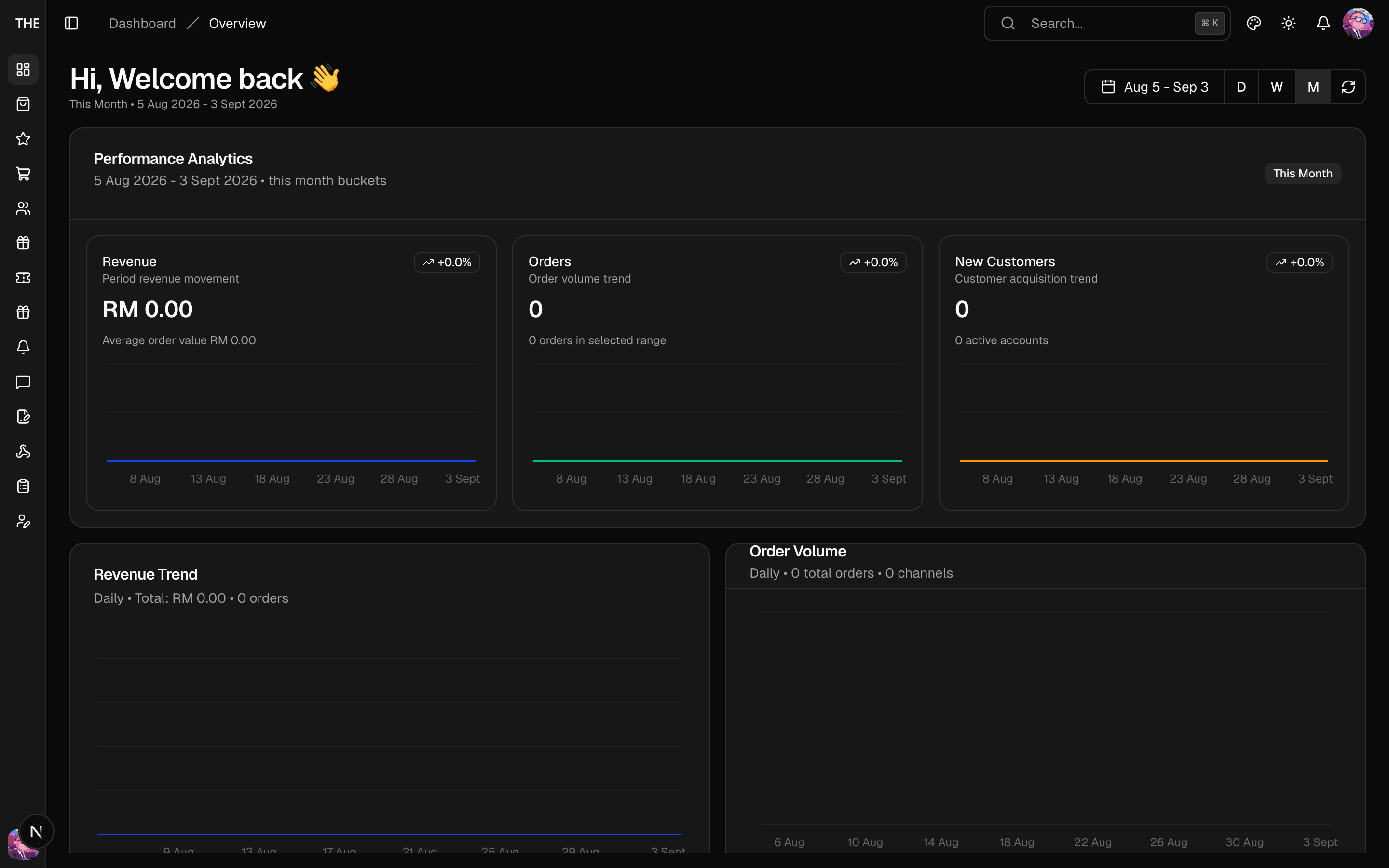
The sidebar is grouped: Overview, Commerce (Products, Orders, Vouchers), Customers (Users, Loyalty, Support Inbox), Content & Engagement (Reviews & Moderation, Notifications, Content Studio), and Platform (Webhooks, Audit Log — admin-only). Documentation links sit at the bottom, above your account menu.
| Area | What you do there |
|---|---|
| Dashboard | Revenue/orders/users analytics, campaign summary |
| Products | Overrides, badges, featured flags, groups, beauty tags |
| Orders | Shopify orders, each order's stamp outcome, checkout sessions |
| Vouchers | Templates, issuing, issued vouchers, pools, seasonal (Raya) editor, audit |
| Users | Accounts, roles, suspension, per-customer loyalty |
| Loyalty | Stamp campaigns, shake-to-win, loyalty members, audit |
| Support Inbox | Contact messages from the app |
| Reviews & Moderation | Moderate pending/flagged reviews, blocks, reports |
| Notifications | Push/in-app compose, templates, queue |
| Content Studio | Carousel slides, marketing campaigns, avatars |
| Webhooks | Shopify webhook registration/health |
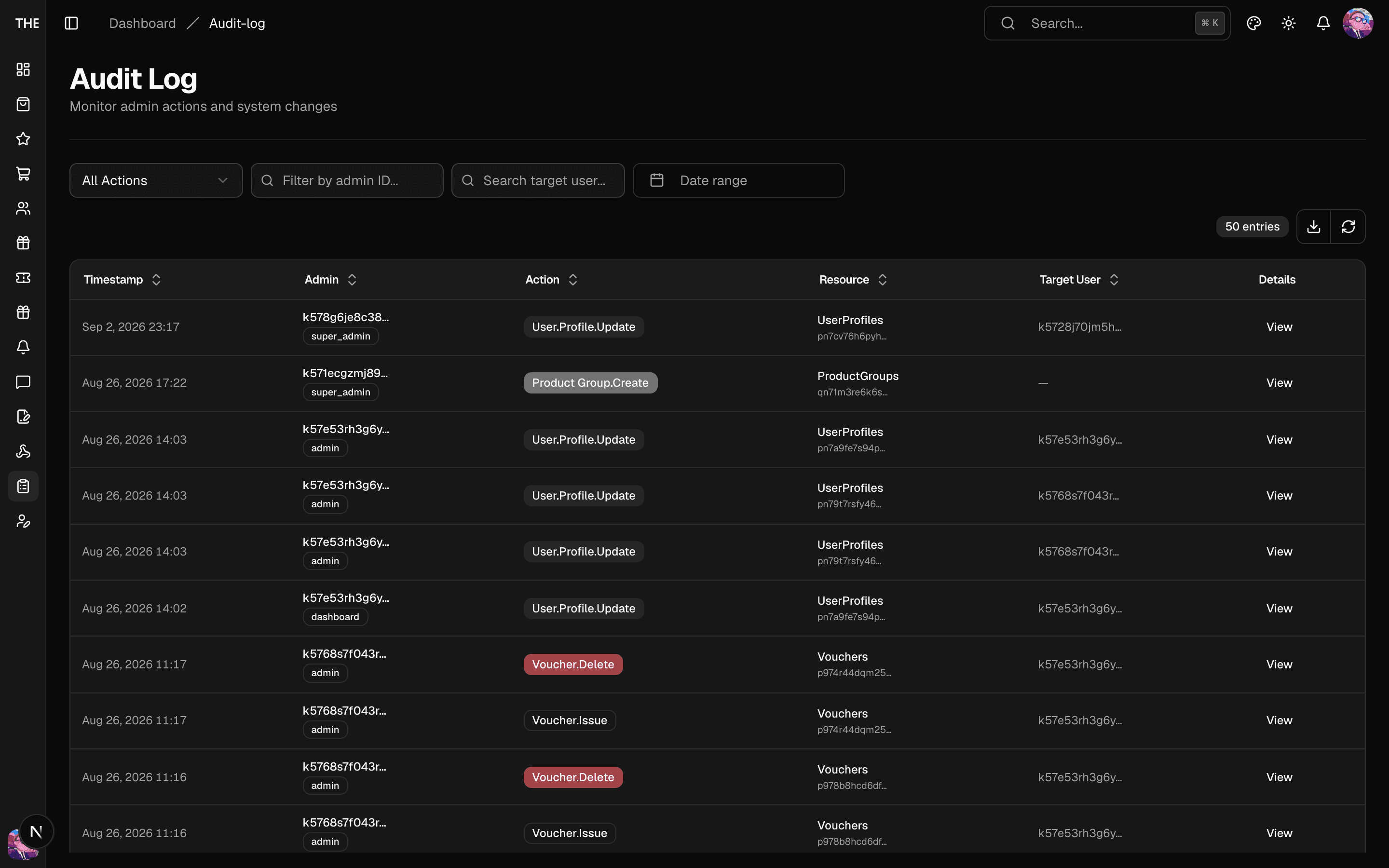
| Audit Log | Who changed what (admin-only) |
Roles
| Role | Can do |
|---|---|
| Dashboard | View everything; reply to support; nothing destructive |
| Admin | Create/update across all areas; moderate; send notifications; export |
| Super Admin | Everything above + deletes, role changes, user management, webhook registration |
Concretely: deletes and role changes are Super Admin; creating/updating content, vouchers, campaigns is Admin; view-only and support replies are Dashboard. The sidebar hides what your role can't touch; deep links you can't access show an Access Denied page.
Audit log
Every privileged action (role changes, bans, deletes, exports, order relinks and reprocessing) is recorded. The Audit Log page is admin-only.
Your own profile
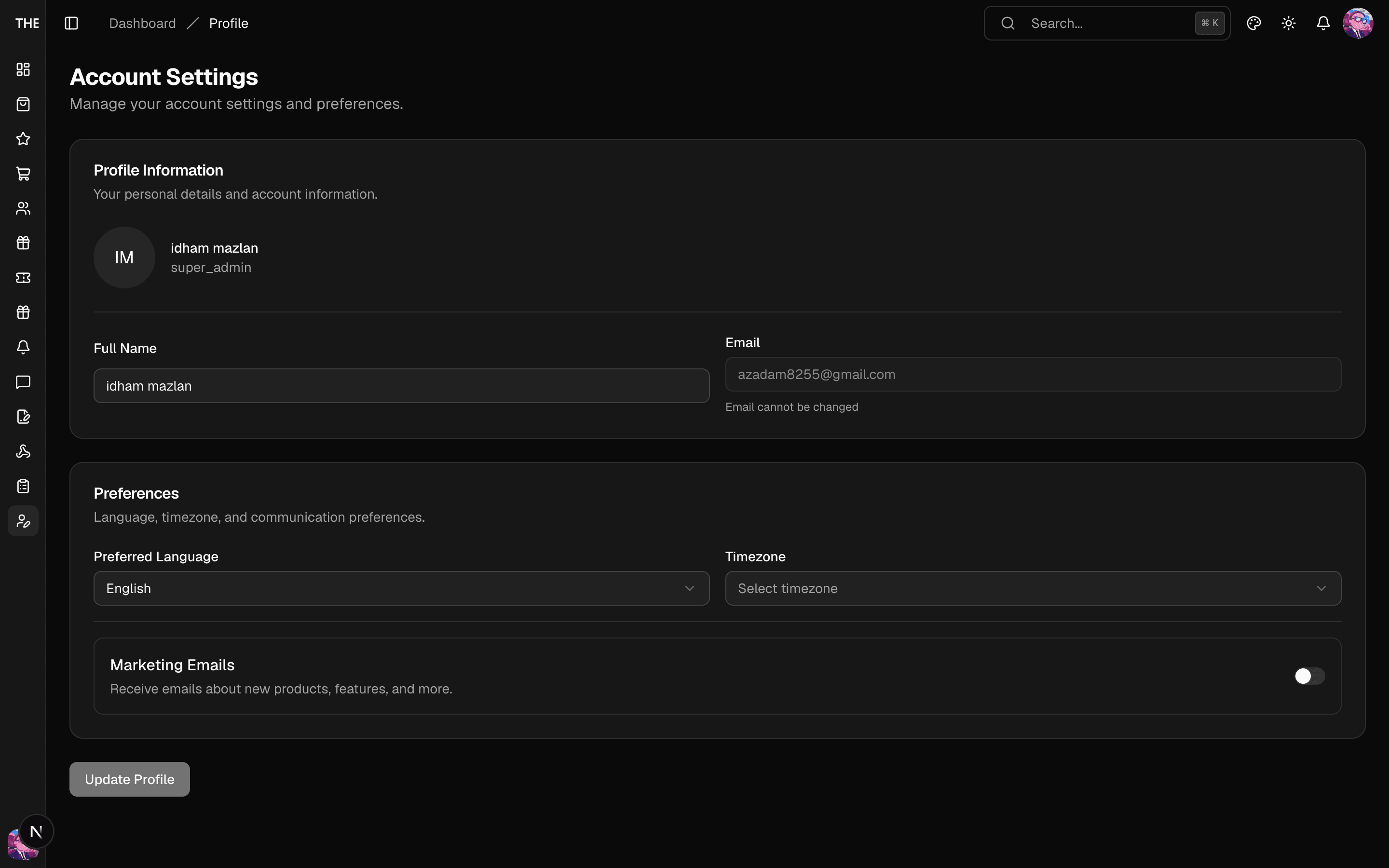
Account Settings (your avatar menu at the bottom of the sidebar) edits your own display details. Role and status aren't editable there — that's a Users-page action for other accounts, guarded against self-service escalation.