Admin Guide
Notifications
Compose, templates, and the queue.
Sending
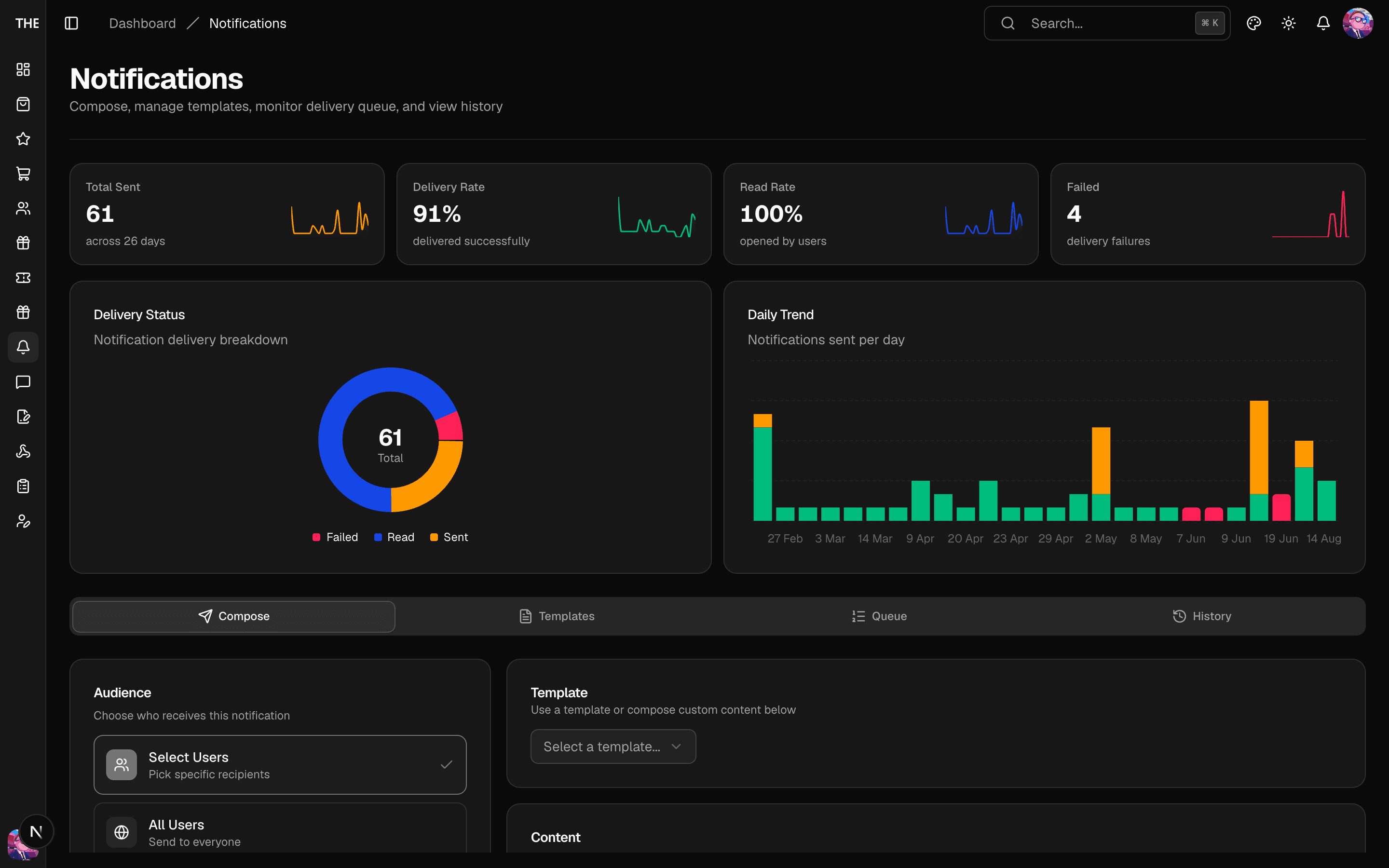
- Notifications → Compose: pick the audience — manual pick (search users), a filtered segment (role/status), or all users.
- Write title/body; optionally attach rich detail content (image, action label + deep-link URL).
- Choose now or scheduled; confirm. ⚠️ Sends are immediate for manual/all audiences — bulk fan-out caps at 100 recipients per mutation and larger audiences go through broadcast.
Templates
Reusable push/in-app copy with variables. Create from the Templates tab; load one into Compose to prefill. Templates store copy, not audience.
Queue and health
- Queue shows pending/scheduled sends with per-channel status badges — use Process Queue to drain early, Retry Failed after fixing an issue (e.g. expired Expo tokens), Cancel for scheduled sends you no longer want.
- History shows per-user delivery with detail sheets.
Rules of thumb
- Quiet hours and per-user preferences are enforced automatically — a suppressed push still appears in-app (and vice versa per channel settings).
- Deep-link URLs in detail content must be routes the app can open; test one send to yourself before a full send.
- Sending to "all users" during an incident amplifies it — double-check the audience when re-sending after a failure.