Admin Guide
Loyalty Campaigns
Stamp campaigns and shake-to-win setup.
Concepts
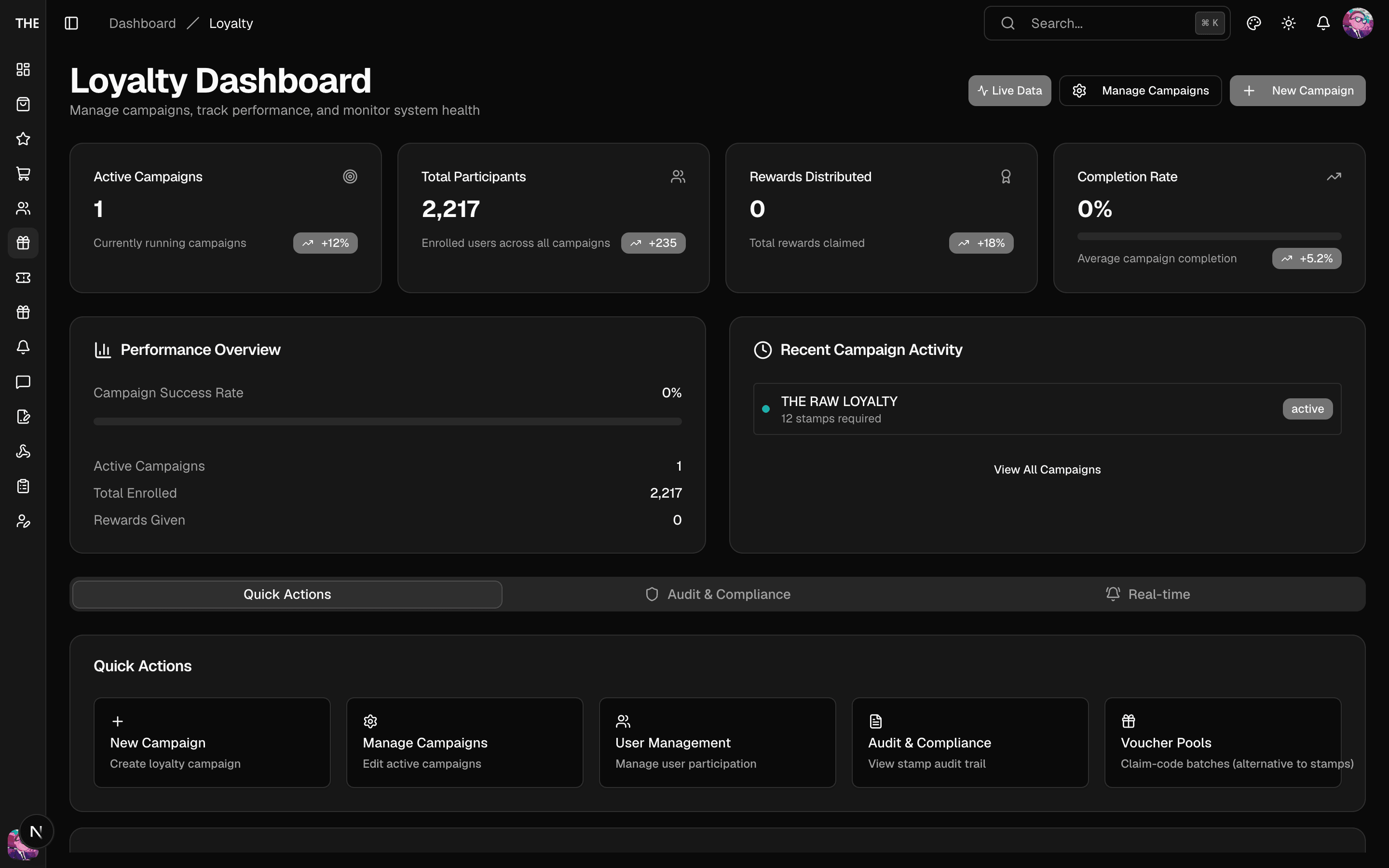
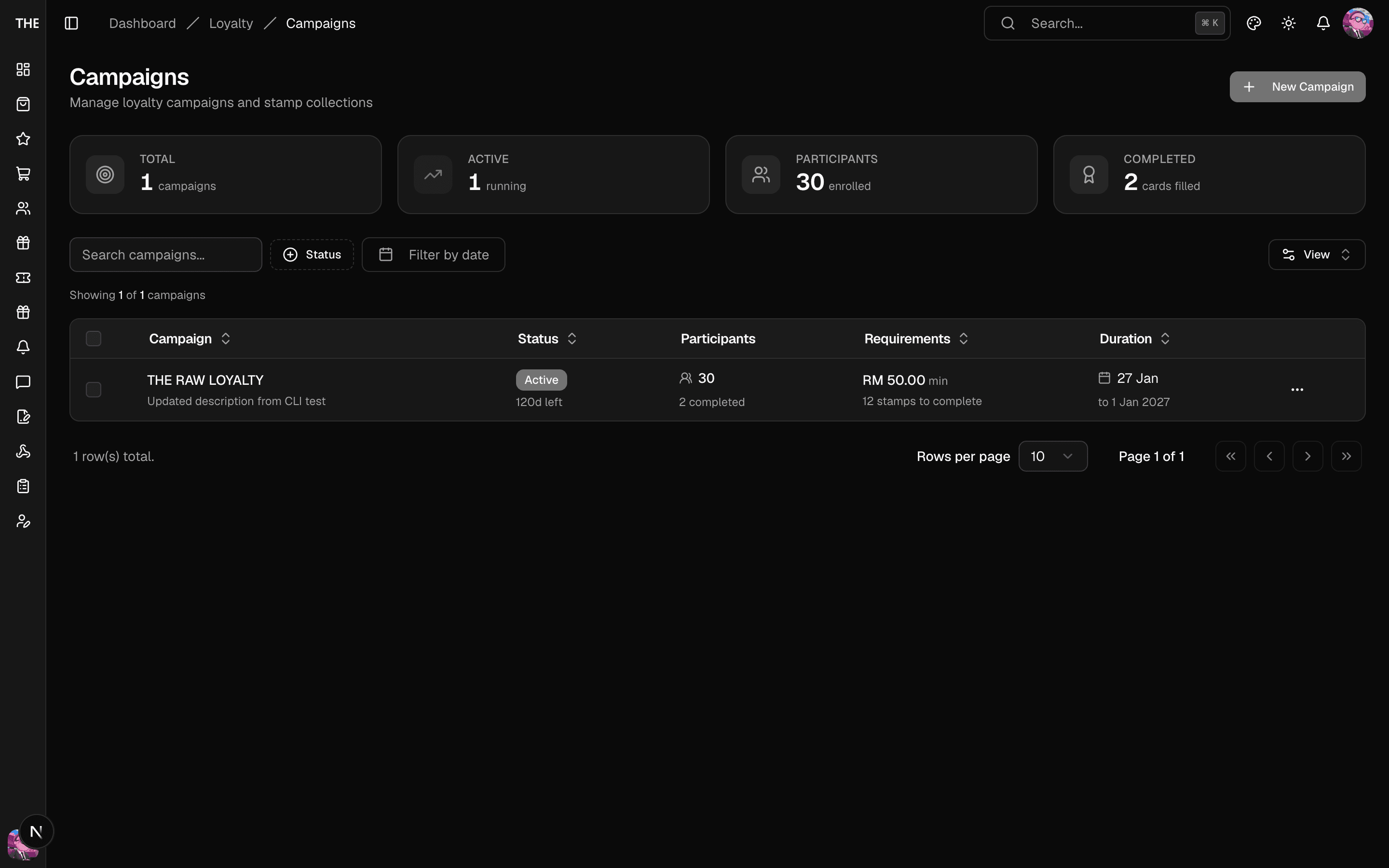
A stamp campaign is a digital stamp card: customers earn stampsPerPurchase stamps per qualifying order (minimum spend applies), and a full card (up to 24 stamps) completes a cycle they can redeem for a reward. Shake-to-win places special reward positions on the card — crossing one awards an instant prize drawn from probability tiers.
Workflow: create a campaign
- Loyalty → Campaigns → New. Set the name, description, dates and reward type (voucher or product).
- Rules. Set stamps per purchase, total stamps (1–24), minimum purchase amount and auto-reset. The minimum applies to the order subtotal after vouchers, before shipping and tax.
- Special Positions (optional). Add a position (for example 3), enable shake-to-win, and define its reward tiers. Each tier has a name, a probability (%), and a reward type of voucher or miss. Probabilities must sum to exactly 100%. Voucher tiers must link an active voucher template.
- Save, then Activate from the campaign row menu.
Workflow: run it day-to-day
- Campaign detail shows participants (Collections tab), reward positions (Rewards tab), and a realtime feed of shake events.
- Pause any time from the row menu; bulk actions support activate/pause/delete across campaigns.
- Deleting a campaign ⚠️ cascades participant progress — prefer pausing.
Loyalty users
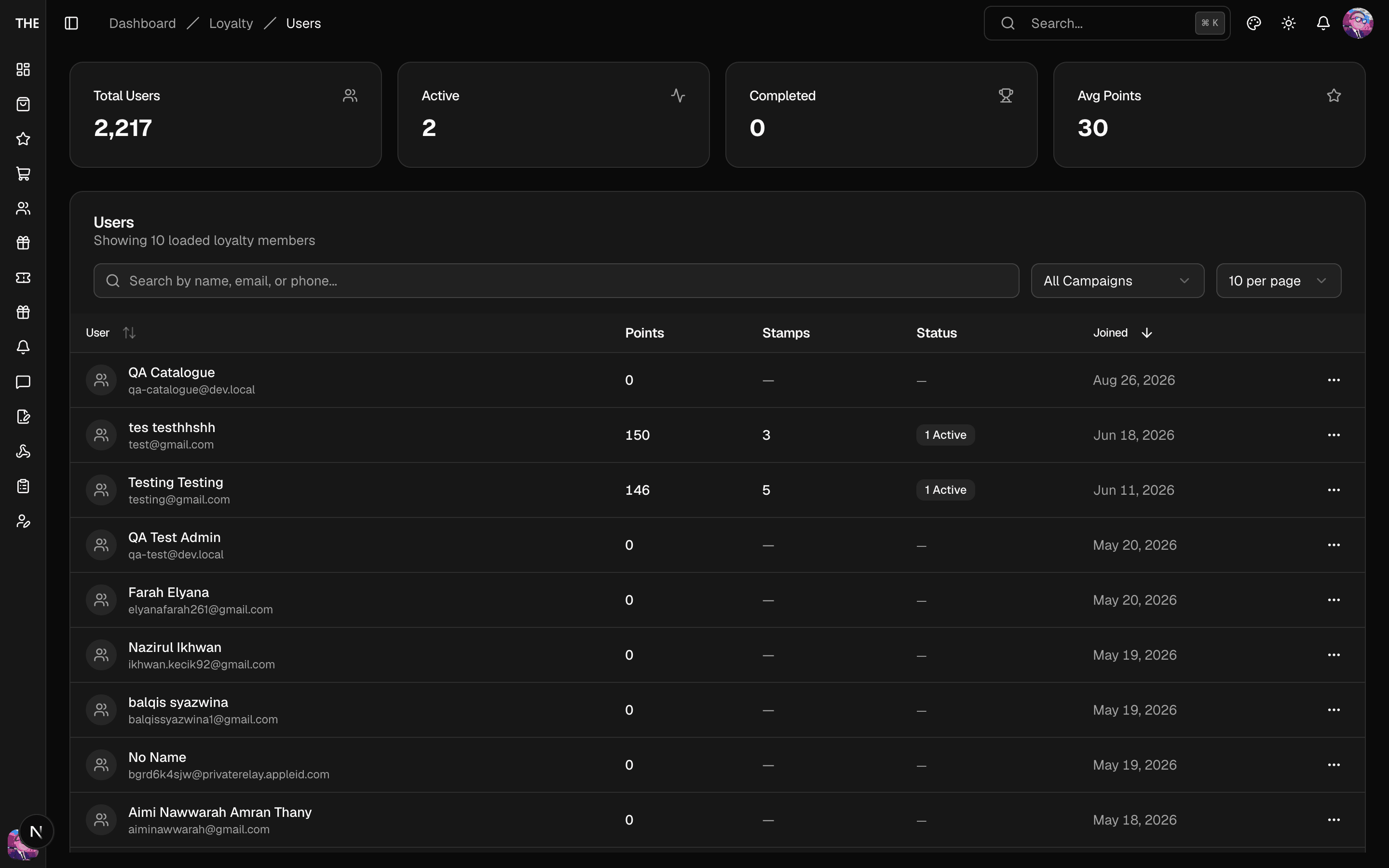
Loyalty → Users lists participants per campaign with their progress. Per-user actions:
- Award Stamps grants stamps by hand. Use the Test Stamp Award popover for exactly-one-stamp tests, and remember that test awards write real data. The backend treats a manual award as possible compensation. When the customer's account later picks up an unstamped order placed before the award, that order shows Needs review on the Orders page instead of earning stamps on its own.
- Reset Progress ⚠️ — zeroes the customer's stamps for that campaign (and their redemptions).
Rules of thumb
- Reward tiers of type "voucher" need an active template before you configure the position.
- Cycle redemptions consume from completed cycles; a customer's redeemable count is completed cycles minus redeemed — visible on their detail page.
- Vouchers won from shake are real Shopify codes from the tier's linked template.